Confused by Windows 7 Start Menu? Miss so familiar Classic Start Menu? If so, you should take use of our utility - Classic Start Menu. It is original software which is getting more and more popular among those users who could not get used to Windows 7 Start Menu.
Classic Start Menu is considered as a perfect replacement to Windows 7 Start Menu. It helps you to find programs and folders many times faster. You always know where you put your things because folders expand when you hover over them. Besides, you can still enjoy your favorite "quick find" feature available in Classic Start Menu. On the whole, forget of all the features which you dislike in Windows 7 Start Menu.
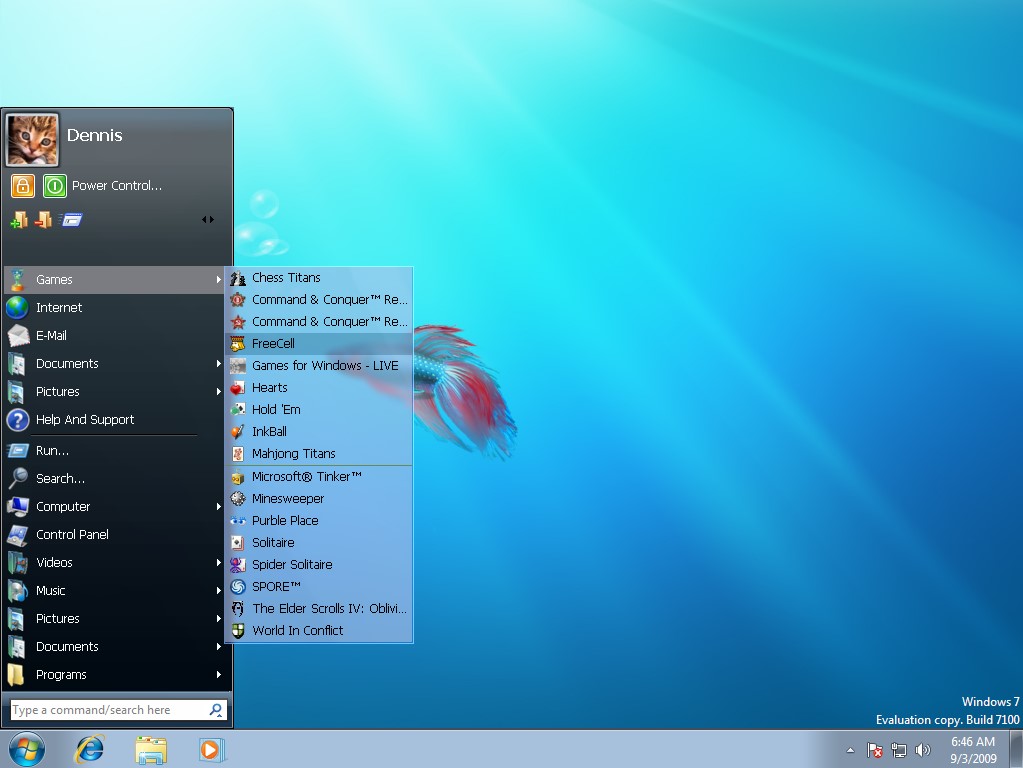
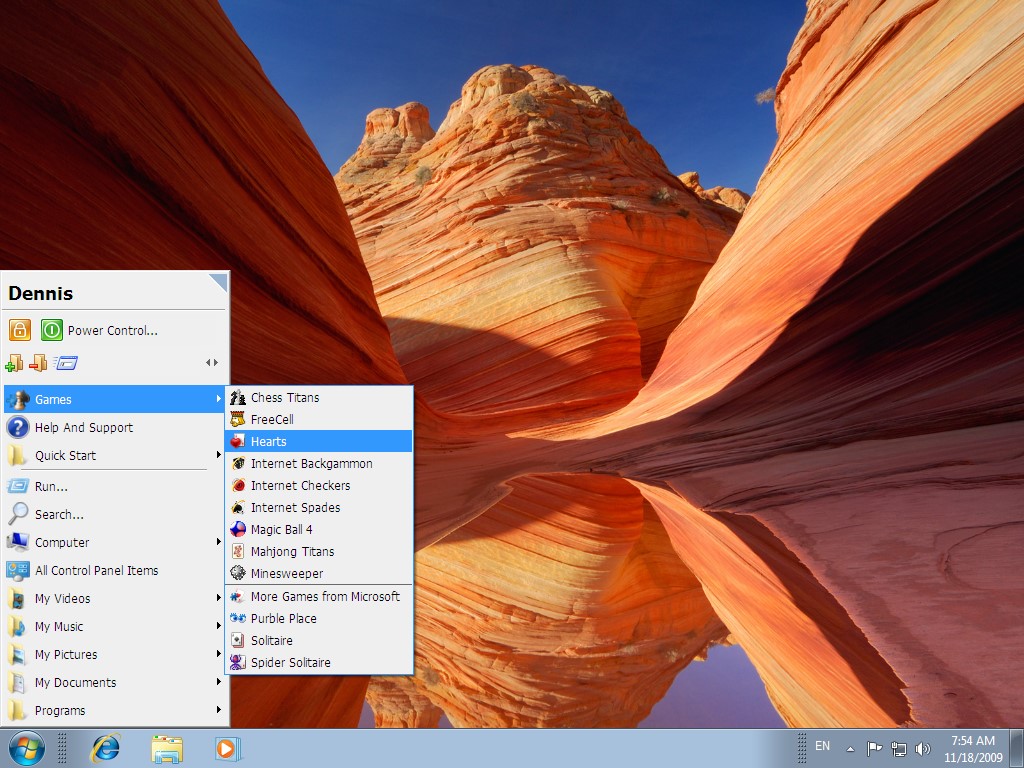
Replace Windows 7 Start Menu by fave Classic Start Menu and start working effectively! All you have to do is to download and install Classic Start Menu.
In short, Classic Start Menu is based on a simple ability of human memory to remember images and locations of objects on a subconscious level. For this reason, Classic Start Menu represents each program as an icon, so that you could automatically memorize its location and access much faster next time.
Being compatible with all major Windows versions, Classic Start Menu replaces the current start menu with a more functional and customizable menu: you can organize your programs and commands from the menu itself, apply power-off options, launch programs in a Single Click, zoom in and out for better viewing, and much more.
Also you may try Start Menu X, Start Menu 10,